
Motileo changelog
Playlist updates: custom slide order and per-slide durations
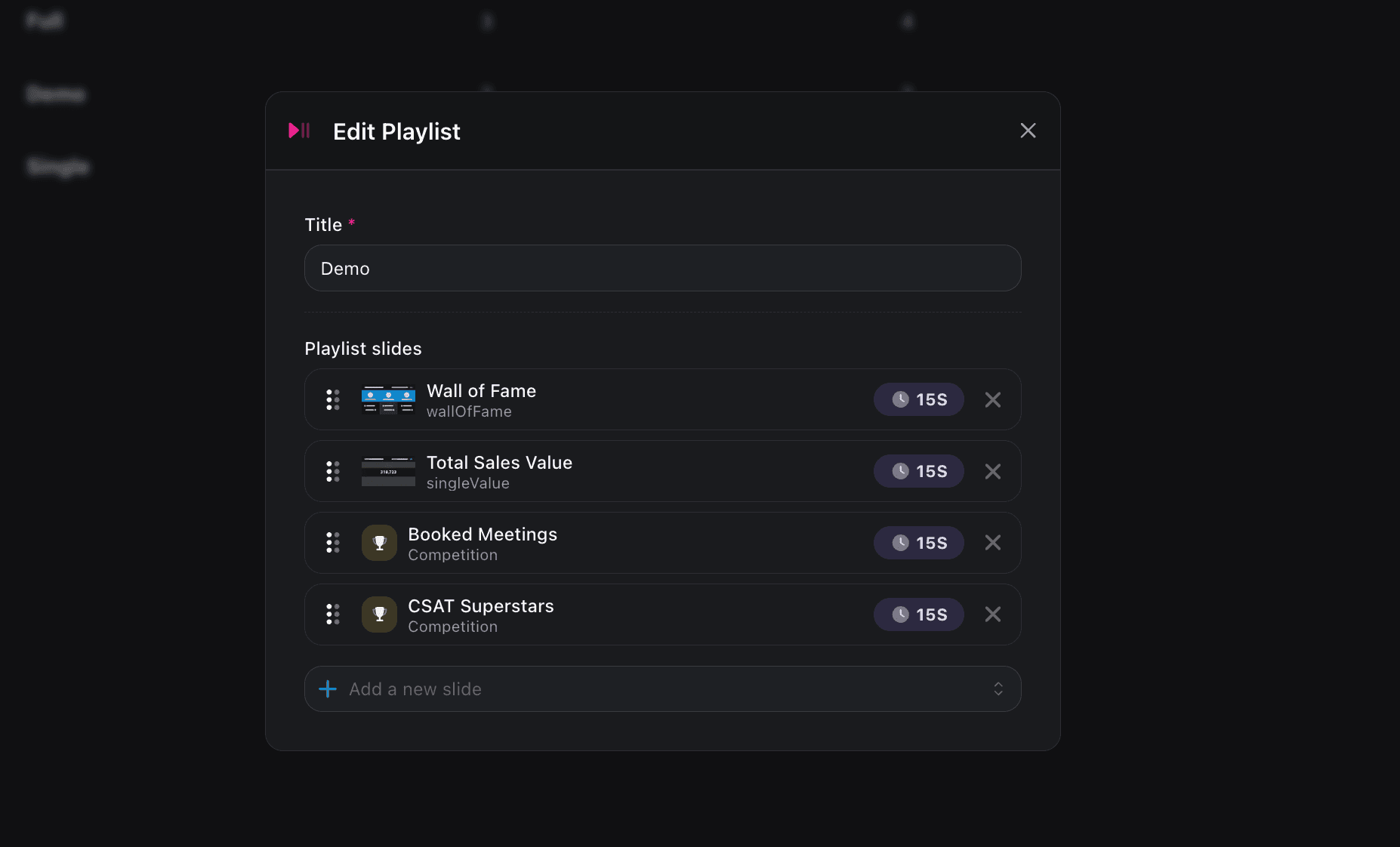
We've shipped two improvements to Motileo TV playlists that give you more control over how your content is presented on screen.
Reorder slides within a playlist
You can now arrange slides in the exact order you want them to play. Previously, playlists didn't support a defined order, which made it difficult to build a presentation with a deliberate flow or sequence. Now you can drag and drop slides into position so your content plays back exactly the way you intended.
Set a custom duration per slide
Every slide used to display for a fixed 15 seconds. With this update, each slide can have its own duration, so you can give a detailed announcement the time it needs to be read, while keeping a quick slide on screen for just a few seconds.
-
These updates are live now in Motileo TV. Open any playlist to start reordering slides and adjusting durations.